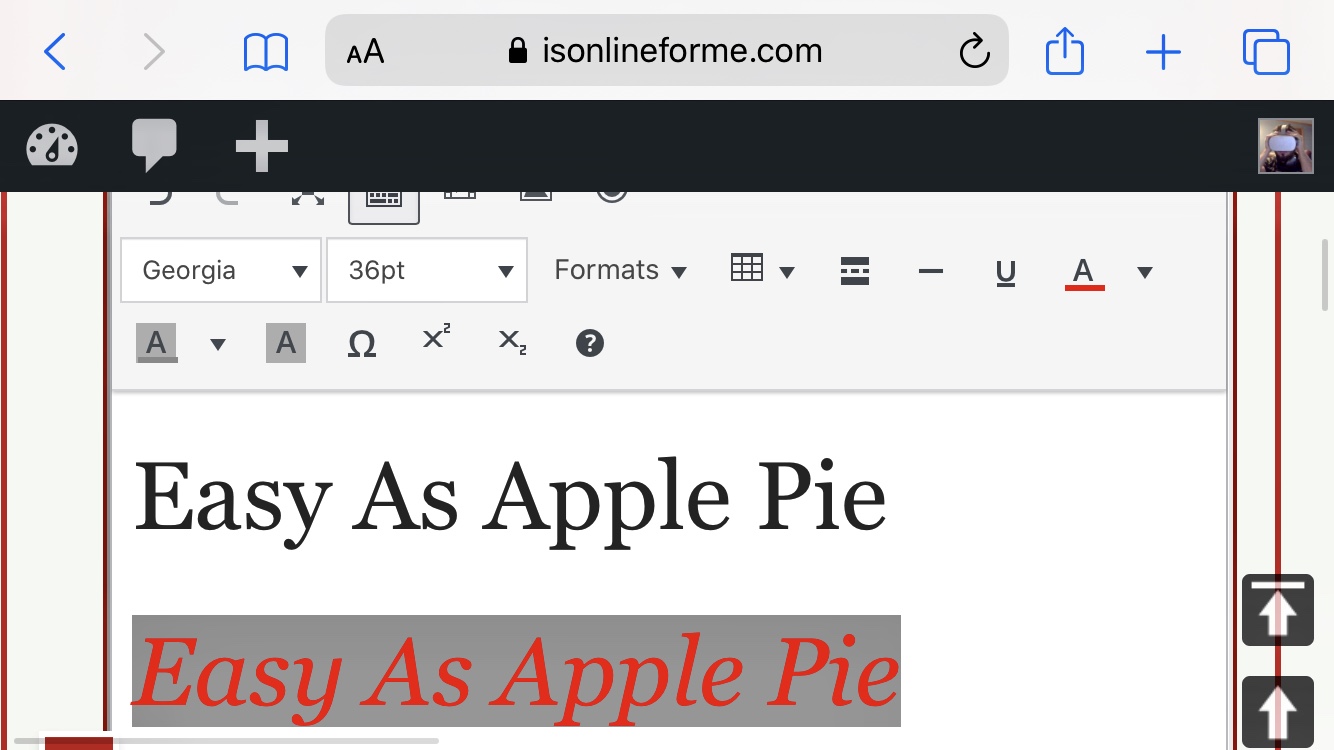
There are 3 incredibly functional Editors on mESocial, actually on all sites of mE. You can use any 3 for any type of content.
If your post will contain a lot of media or art work, a meeting presentation, or many paragraphs, or mixed types of content and you still haven’t planned which goes to where, like you want Trump’s video above, below or right beside Melania’s – You can be so flexible with moving around content (Treated as blocks) using mESocial’s Block Editor.
Since I’m a man of a few words 💪, I most often use the Front-End Classic Editor aka Express Post. There’s a Back-End version of it, same easy to use. All 3 do great on my phone and tablet btw.
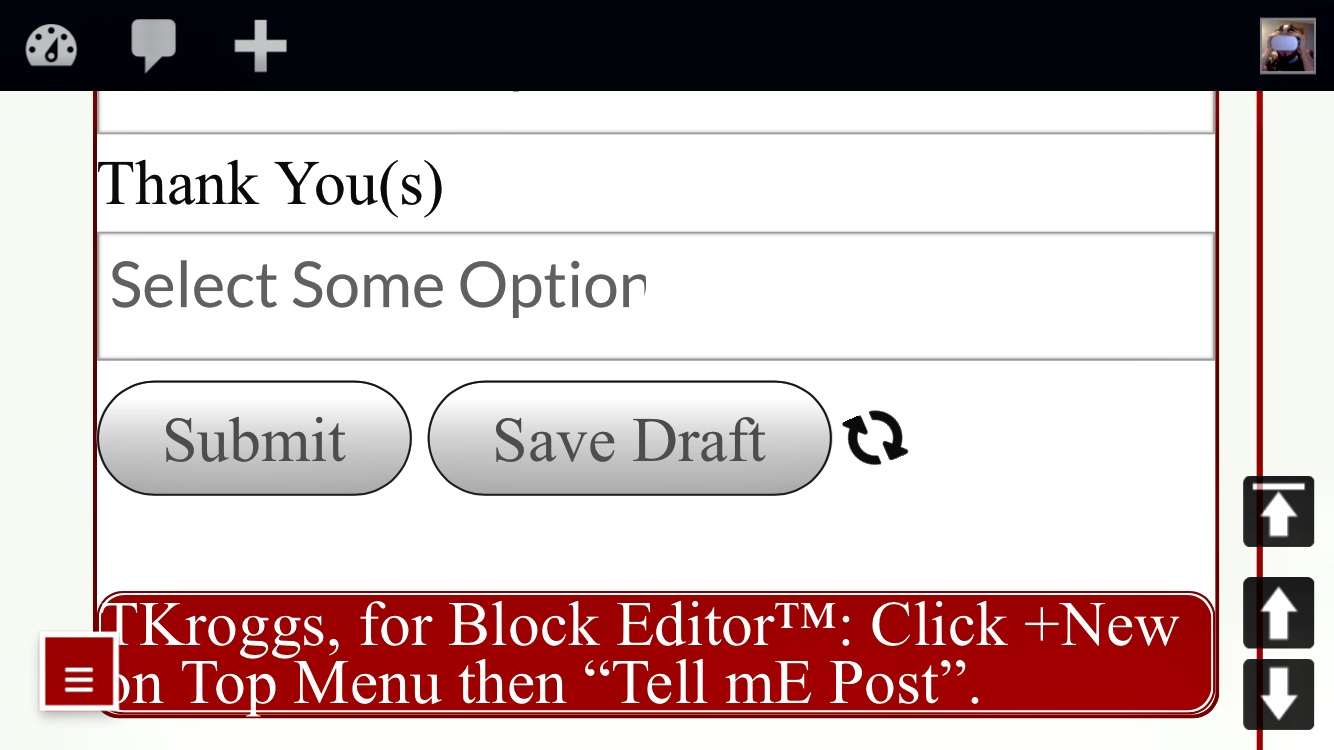
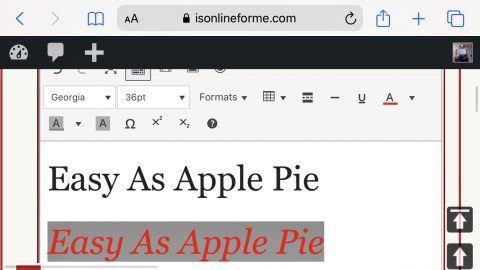
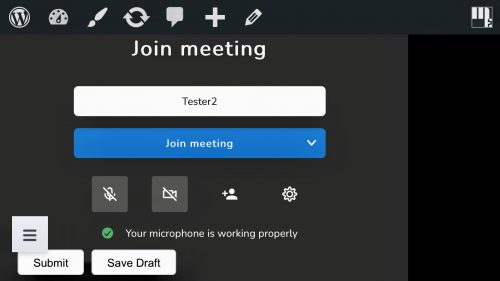
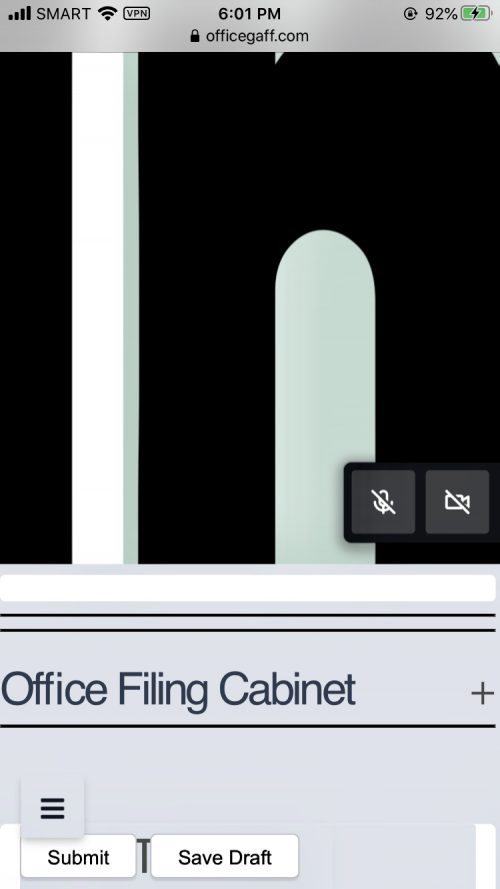
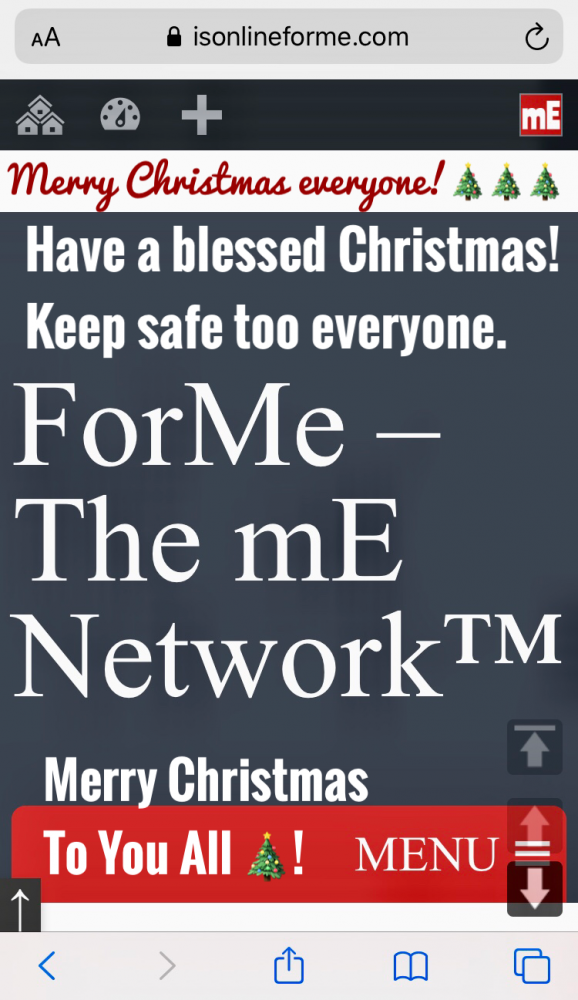
I’m actually creating this post with Block Editor on mESocial but images are about using Front-End Classic Editor aka Express Post.
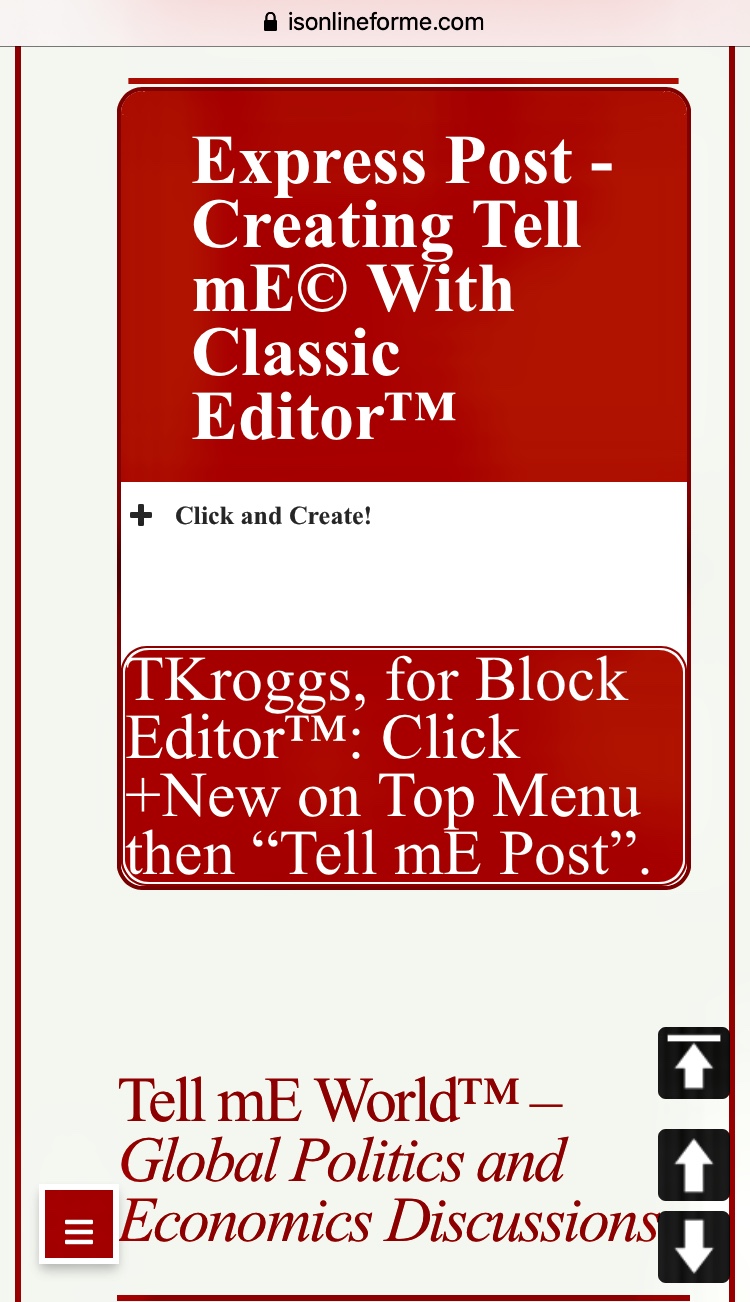
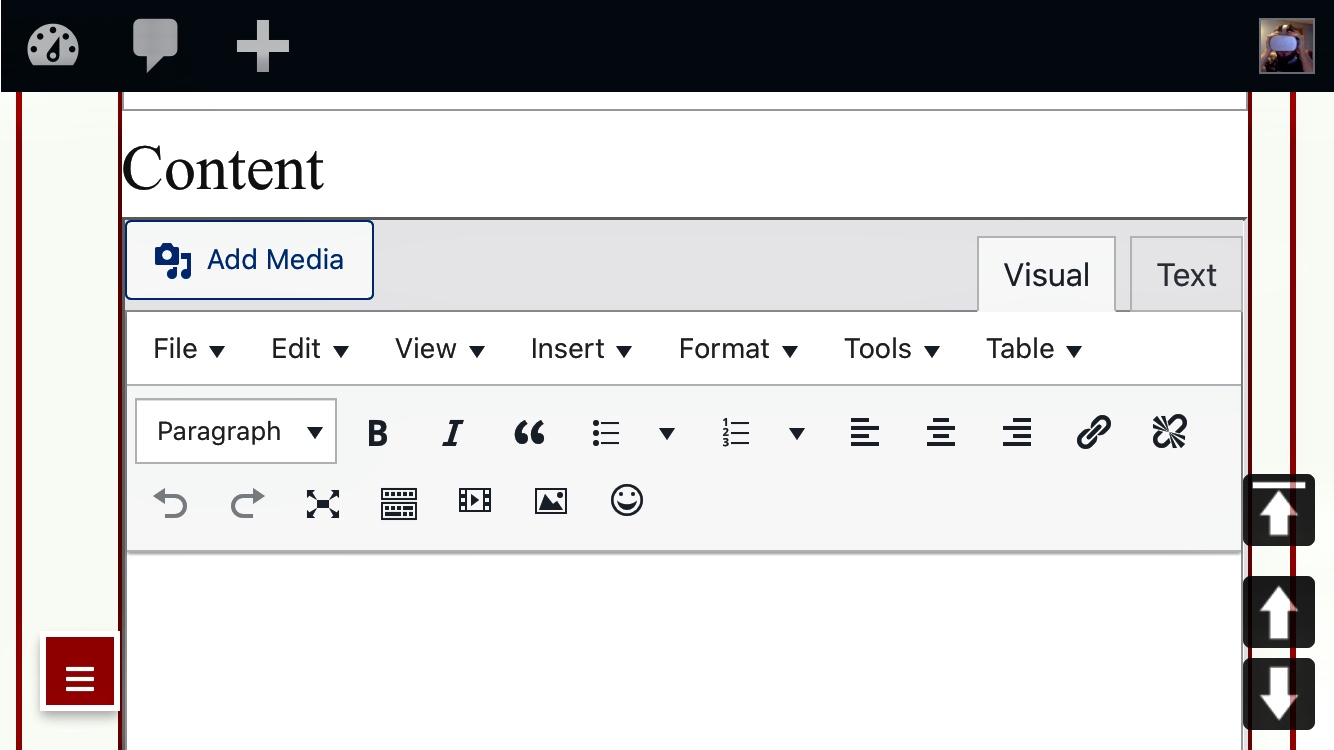
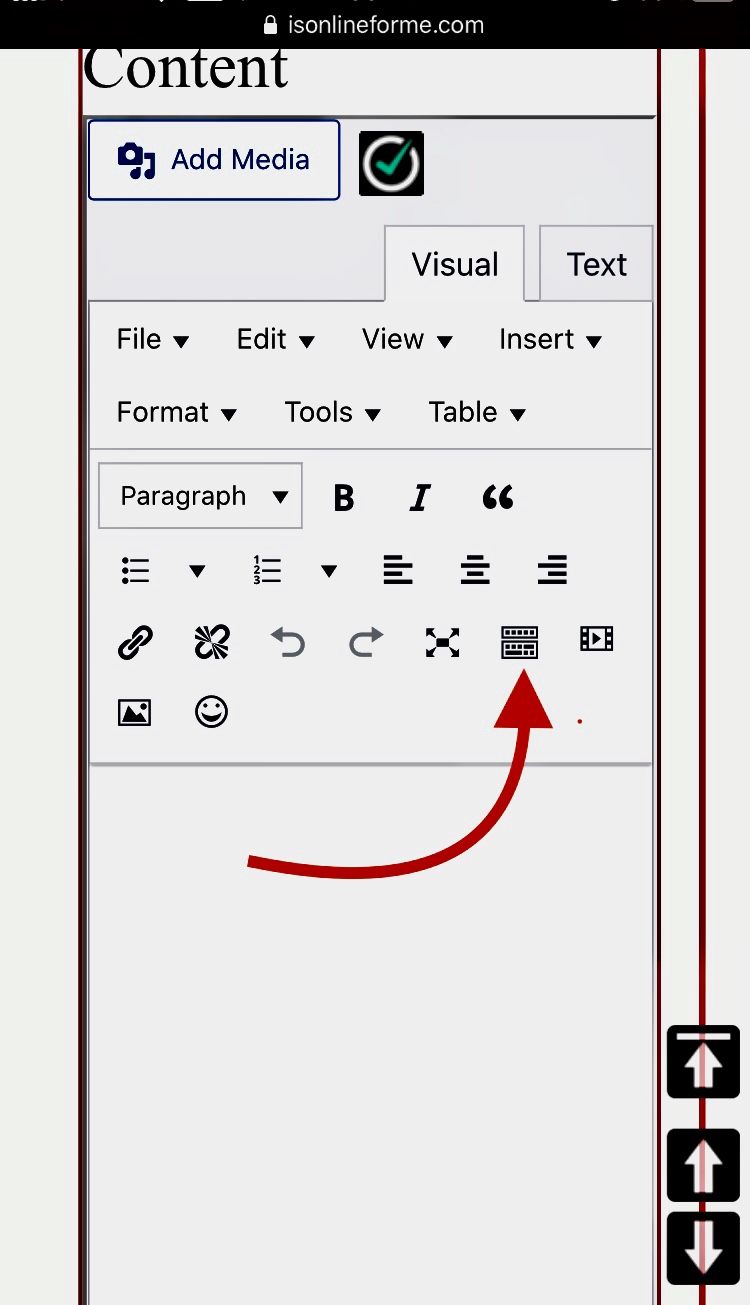
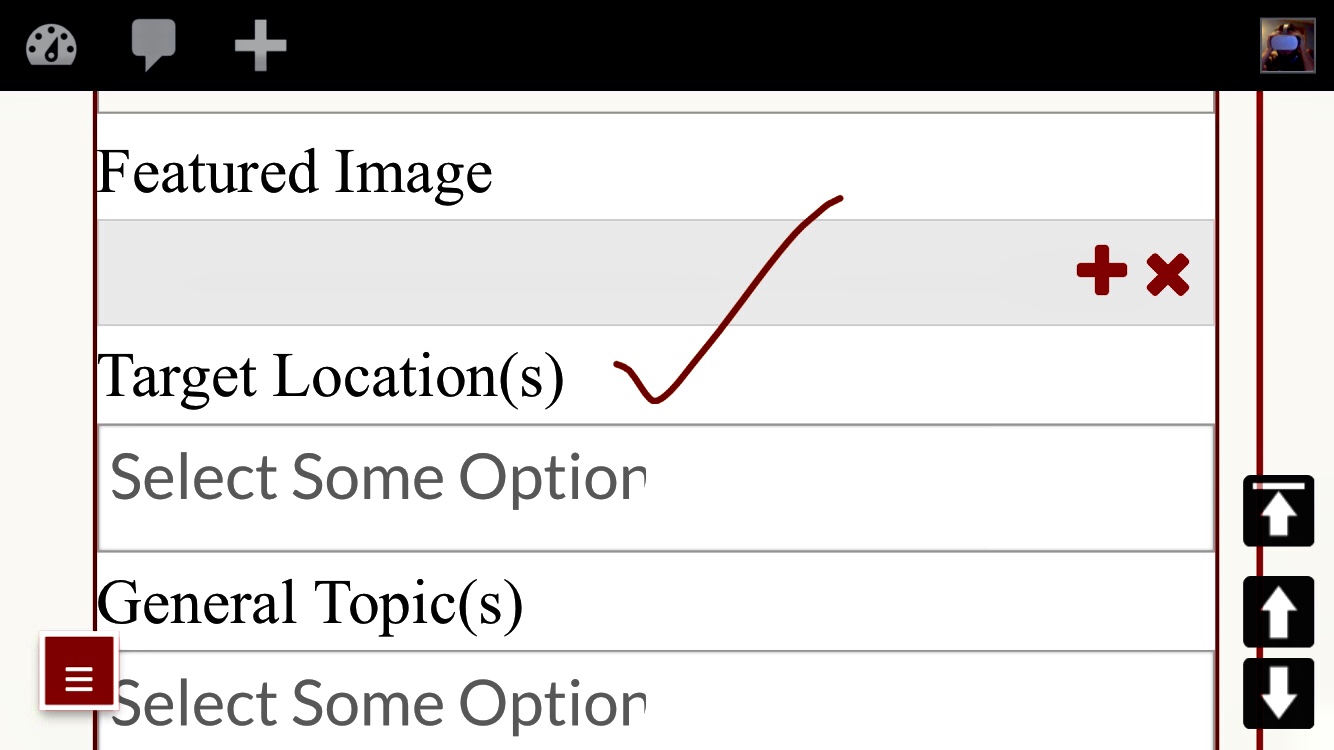
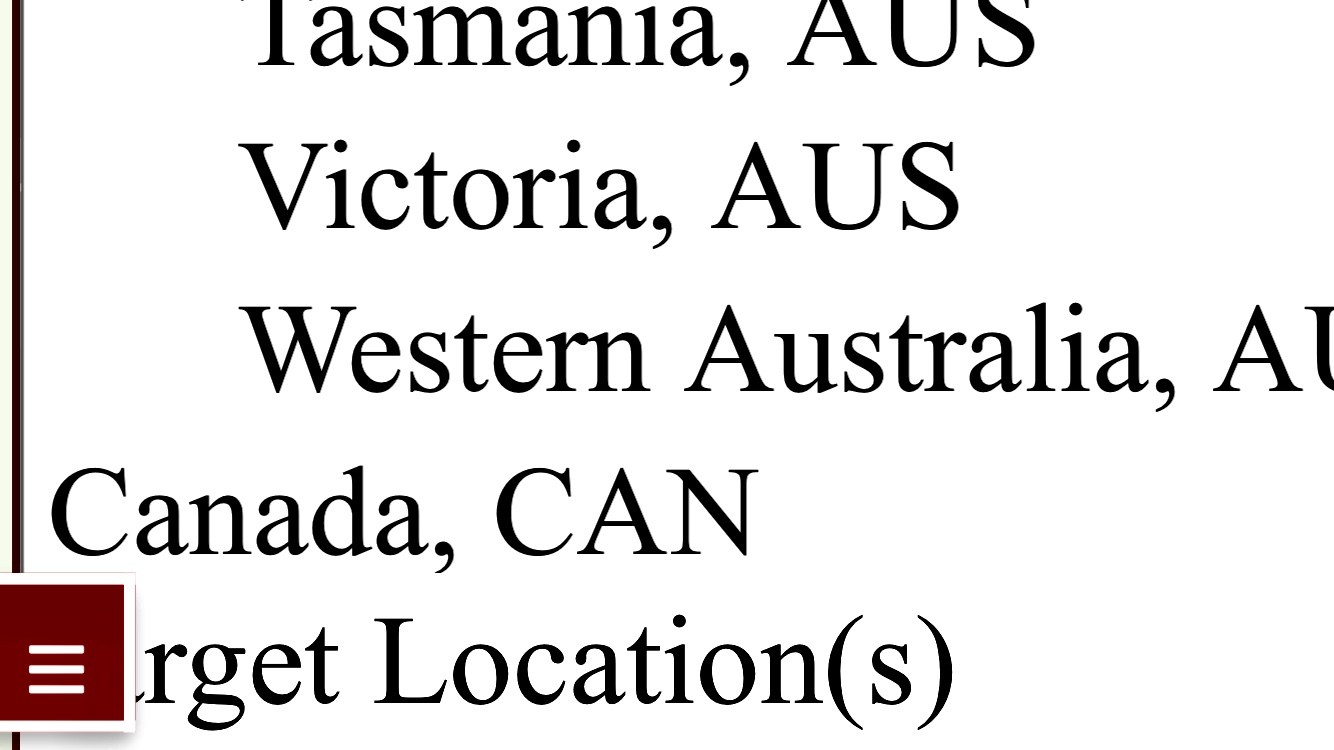
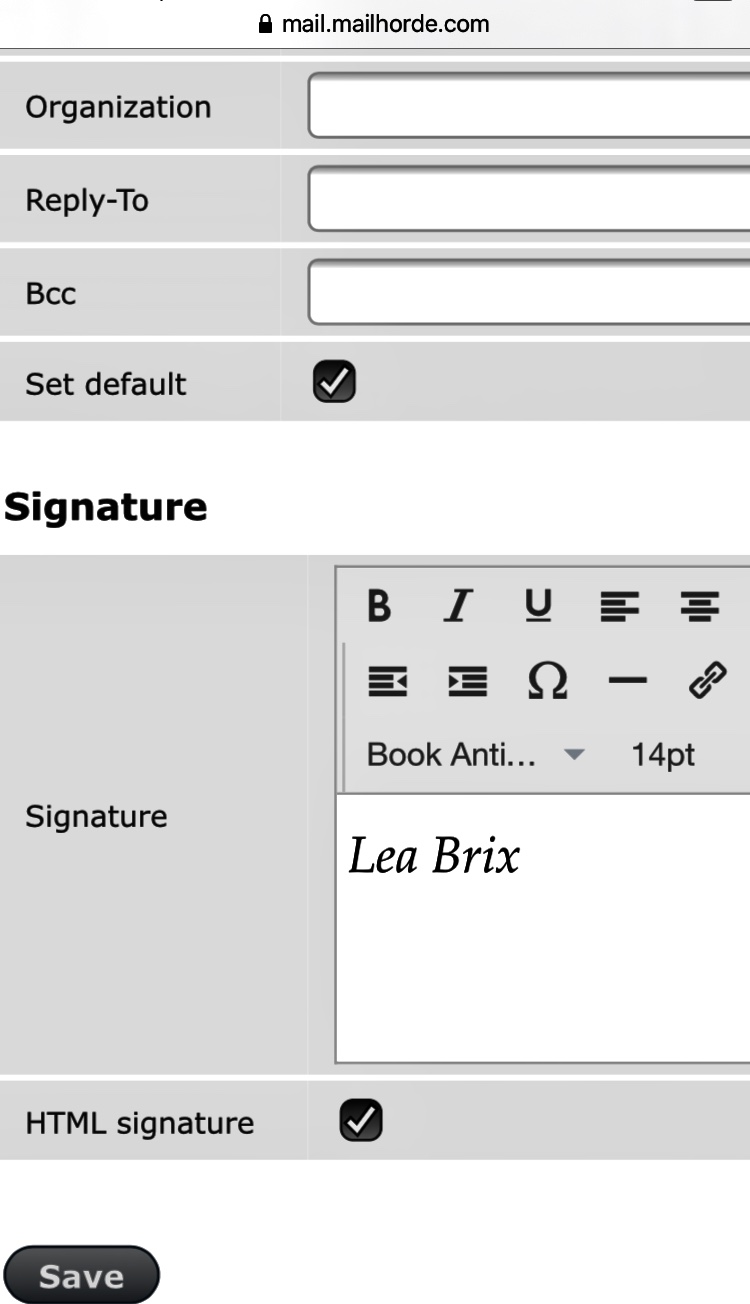
I inserted the Signature option on mE Mail™ (Last image), one of its many features. An Author posted about mE Mail™, link below:
mESocial™ | mE™ Network
If your post will contain a lot of media or art work, a meeting presentation, or many paragraphs, or mixed types of content and you still haven’t planned which goes to where, like you want Trump’s video above, below or right beside Melania’s – You can be so flexible with moving around content (Treated as… Read more »
10 IMOs™ / ClipBoxes™ TK
TK31949 Views

 Molly Scott
 Luisa Bancroft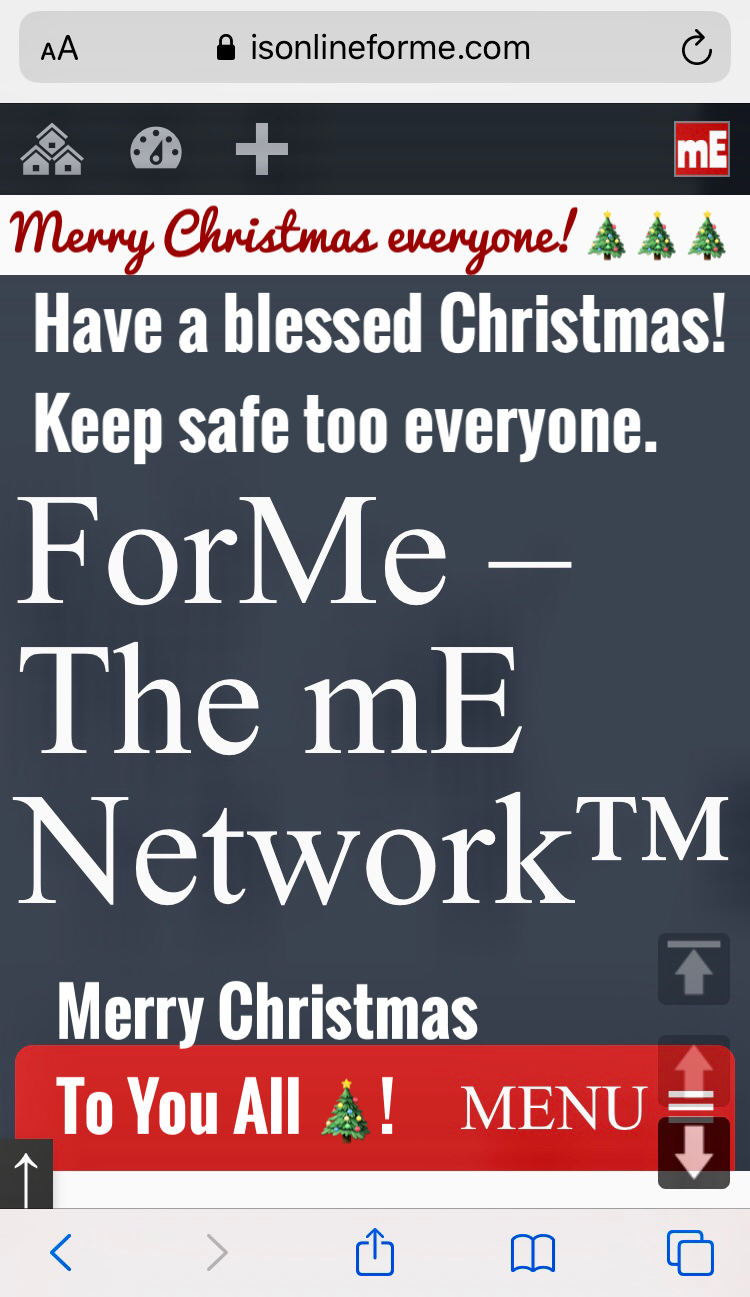
 Sophie Goddard

 Trey Donalds